Solutions

Start with what the business needs to do.

Accept payments, run the sale, get paid remotely, understand the data, or evaluate processing-cost options. We map the technology to the workflow instead of starting with a product list.

Featured systems

Real platforms. Different strengths.

A good recommendation is not about forcing every merchant onto the same hardware. These are several established systems we can evaluate based on checkout flow, mobility, inventory, reporting, restaurant operations, service workflows, and how much business management you actually want inside the POS.

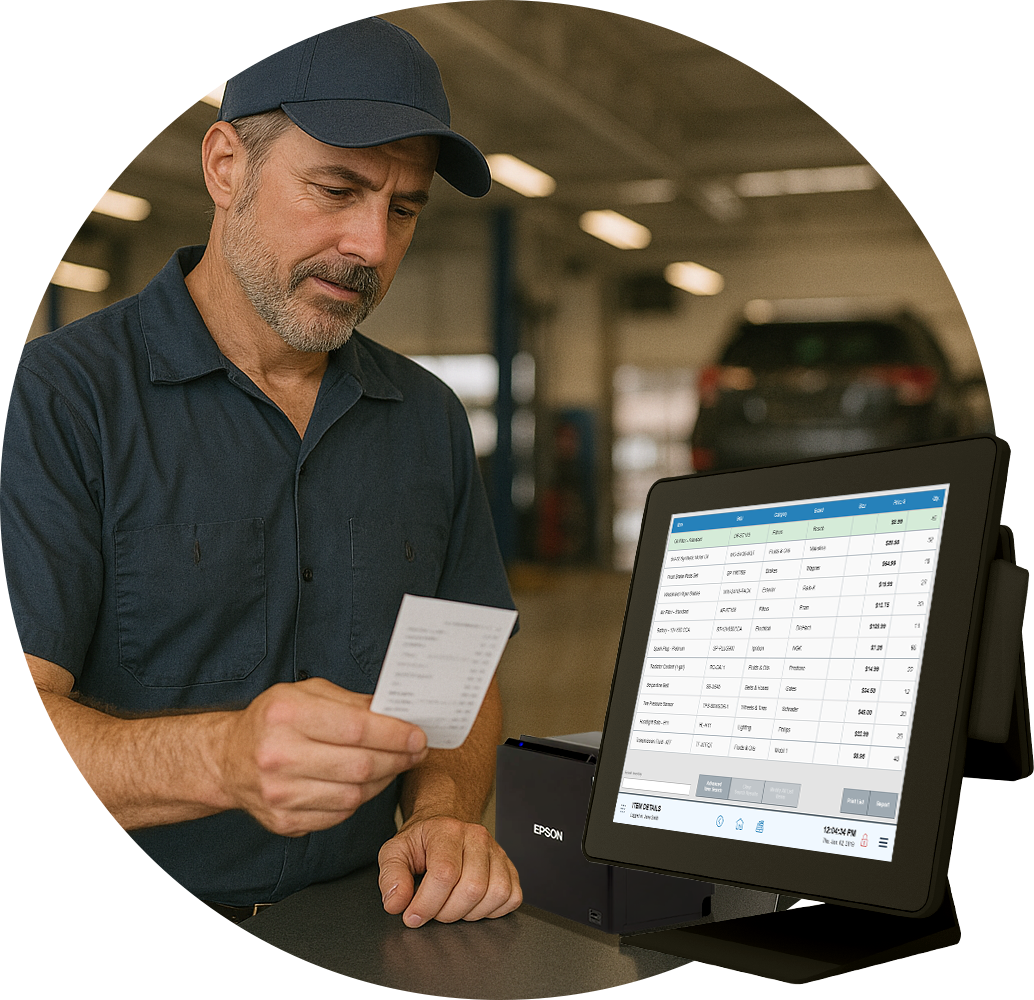
Clover Station Duo being used at a merchant checkout
Clover

Station Duo, Mini & Flex ecosystem

A polished, expandable POS family for merchants who want payments and business-management tools in one connected ecosystem.

  • Dual-screen countertop POS
  • Handheld & compact options
  • Inventory & reporting
  • Invoicing & recurring payments
  • Customer engagement tools
  • Apps & integrations
Strong fit: retail, counter-service, restaurants, and service businesses that want an approachable all-in-one platform.
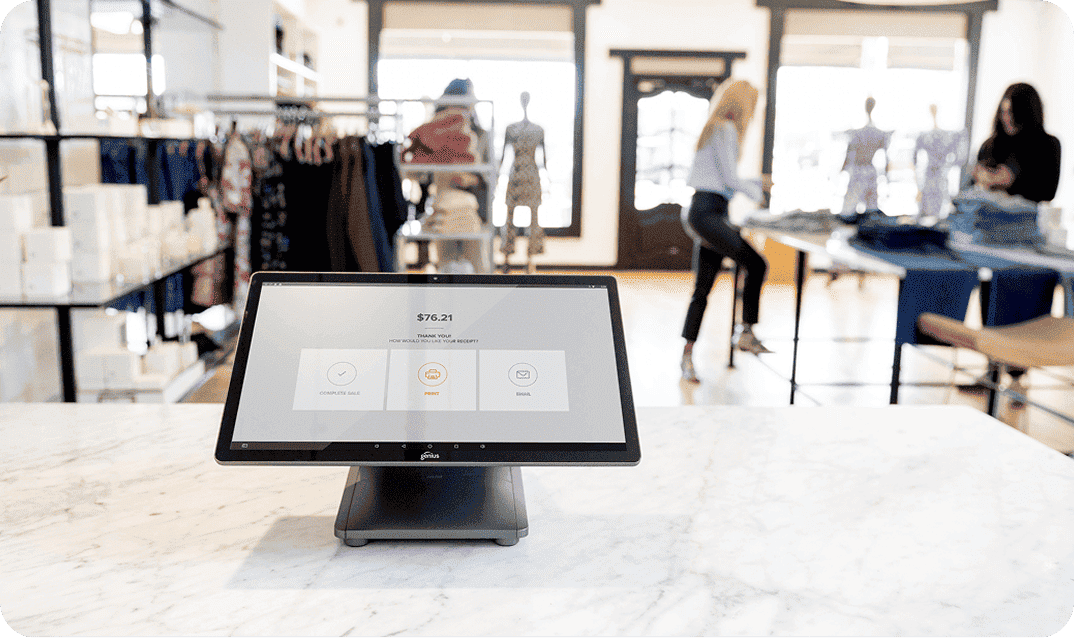
Genius by Global Payments countertop point of sale system
Genius™ by Global Payments

Connected POS for retail and restaurants

The current Genius platform combines countertop, handheld, online, and operational tools for businesses that want more of the workflow connected.

  • Countertop & handheld POS
  • Inventory & customer tools
  • Reporting & back office
  • Virtual terminal & invoicing
  • Restaurant/KDS capabilities
  • Online & delivery workflows
Strong fit: merchants that need a more connected operating platform, particularly retail, restaurant, and multi-workflow environments.
Exatouch point of sale system in a service business environment
Exatouch®

Deep operational POS without unnecessary complexity

Exatouch is built around a broad set of merchant-management tools, making it useful when checkout needs to connect to inventory, menus, employees, customers, scheduling, or detailed reporting.

  • Retail & restaurant workflows
  • Inventory & purchasing
  • Menu, table & order tools
  • Employee/customer management
  • POS Cloud reporting
  • Dual pricing & offline options
Strong fit: retail, restaurant, specialty, and service merchants that need more operational depth inside the POS.
Dejavoo QD4 Android countertop payment terminal in a retail environment
Dejavoo

Modern payment terminals for straightforward acceptance

Not every merchant needs a full POS. Dejavoo offers countertop, wireless, Android, and Linux payment devices for merchants who need dependable card acceptance or a terminal integrated into another workflow.

  • EMV & contactless
  • Countertop & wireless devices
  • Android and Linux families
  • Wi‑Fi / Ethernet options
  • Standalone deployment
  • Semi-integrated options
Strong fit: merchants who primarily need fast, flexible payment acceptance rather than a large all-in-one POS platform.
How we narrow the choice

The brand comes after the business requirement.

Two merchants can look similar from the outside and need completely different systems. We compare the platforms against the workflow instead of treating the most recognizable logo as the automatic answer.

Checkout environmentCountertop, mobile, tableside, field service, or online.
Operating depthSimple acceptance versus inventory, employees, menus, customers, and reporting.
Growth & locationsWhat happens if you add devices, staff, channels, or another location.
Cost structureHardware, software, processing, and eligible cost-management options considered together.

Looking for a specific system? Tell us what you use today or what you are considering. We can review the workflow and help determine whether it is the right fit before you commit.

Request a payment review

Clover, Genius, Exatouch, and Dejavoo are trademarks or product names of their respective owners. Product availability, features, hardware models, pricing programs, integrations, and eligibility can vary by merchant, configuration, and processing relationship.

Accept payments

Choose the payment experience around where customers pay you.

A fixed counter, mobile service team, event setup, and online business create different requirements.

  • Countertop, wireless, portable, and mobile acceptance
  • EMV chip, contactless wallets, debit, and keyed entry
  • Receipt, connectivity, and checkout-flow considerations
  • Options for new locations, replacements, and expansions
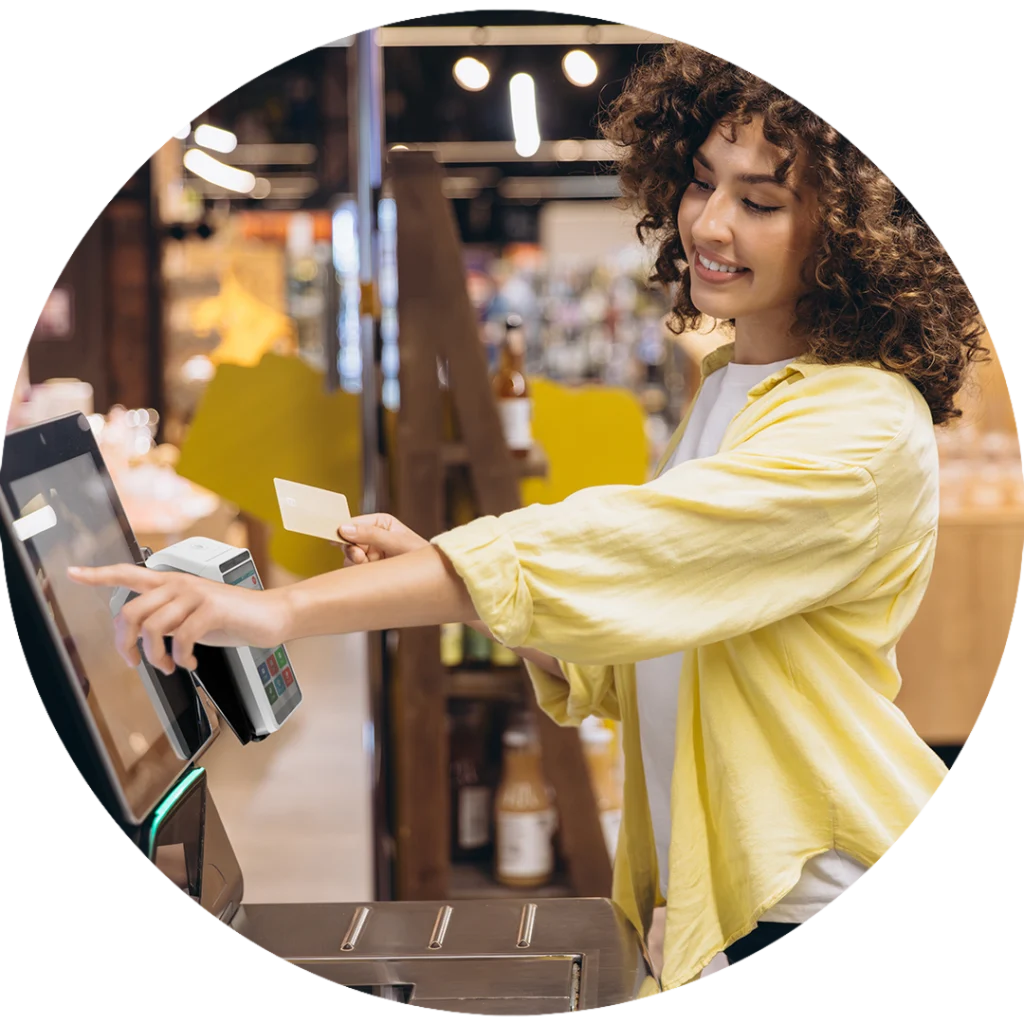
Payment terminal being used in a retail checkout environment
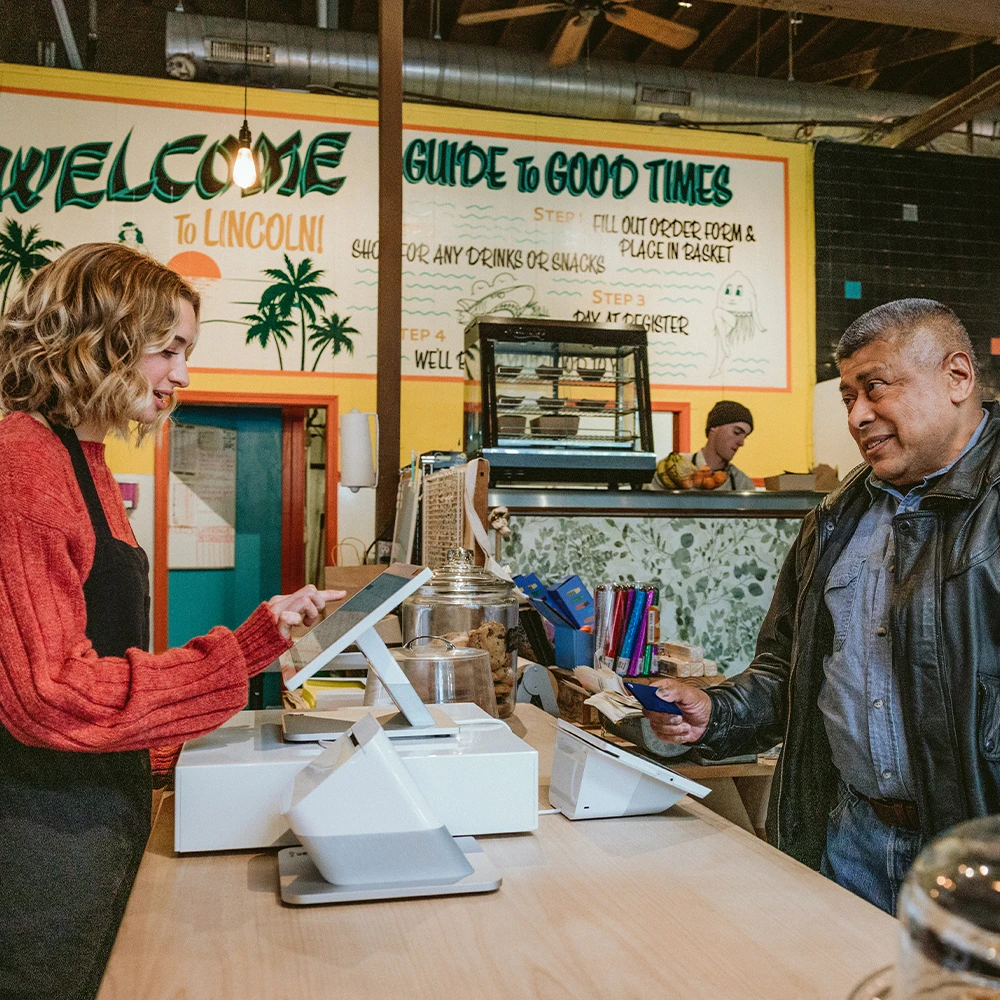
Retail merchant helping a customer at the point of sale
Run the sale

Point of sale should support more than the transaction.

For businesses that need more structure at checkout, POS can bring sales, items or services, staff functions, customer tools, inventory, and reporting into a more useful workflow.

  • Item, service, menu, and modifier workflows
  • Employee permissions and operational controls
  • Inventory and customer functions where useful
  • Sales and transaction reporting

See point-of-sale details →

Get paid remotely

Build a payment path for customers who are not at the counter.

Remote payments can be as simple as a secure virtual terminal or as integrated as an online checkout connected to the operation.

  • Virtual terminal and keyed transactions
  • Invoices and customer payment links
  • Recurring and scheduled billing
  • Hosted or integrated eCommerce checkout

See online-payment details →

Business owner managing online orders and digital commerce
Processing costs

Understand the structure before changing it.

Processing cost is more than one quoted number. We help you understand the elements of the setup and whether cost-management programs fit the business and customer experience.

Processing structure

Review transaction mix, hardware, software, service, and the operating setup together.

Surcharging

An option for eligible merchants when disclosures, customer experience, and program requirements are a fit.

Dual pricing

Another structured approach that may fit qualifying merchants after the tradeoffs are understood.

Eligibility, disclosures, signage, registration, state law, card-network rules, and implementation requirements can apply.

Use the data

The sale should leave useful information behind.

Reporting is most valuable when it answers an operational question. We focus on information you need to reconcile activity, understand trends, and make practical decisions.

Transaction visibility

Review payment activity and exceptions with clearer context.

Sales trends

See patterns that may matter to staffing, inventory, or demand.

Operational reporting

Use the reporting available from the selected platform instead of treating it as an afterthought.

Confidence in the setup

Security, implementation, and support belong in the decision.

The right solution is not just a terminal or checkout screen. It also includes how payments are handled, how the merchant side is configured, and what happens after launch.

Payment technology

Consider EMV, contactless, remote-payment tools, user access, and the way card data moves through the selected workflow.

Merchant-side implementation

Plan the rollout around the actual counter, staff, catalog, billing process, or online experience rather than treating setup as an afterthought.

Ongoing support

Keep a familiar relationship available when the business changes, new needs appear, or the workflow needs another look.

Security features, compliance responsibilities, and support capabilities vary by platform, configuration, and merchant environment.

Not sure which category you fit?

That is normal. Tell us what the business is trying to improve and we can work backward from the problem.

Request a consultation